About the Tool
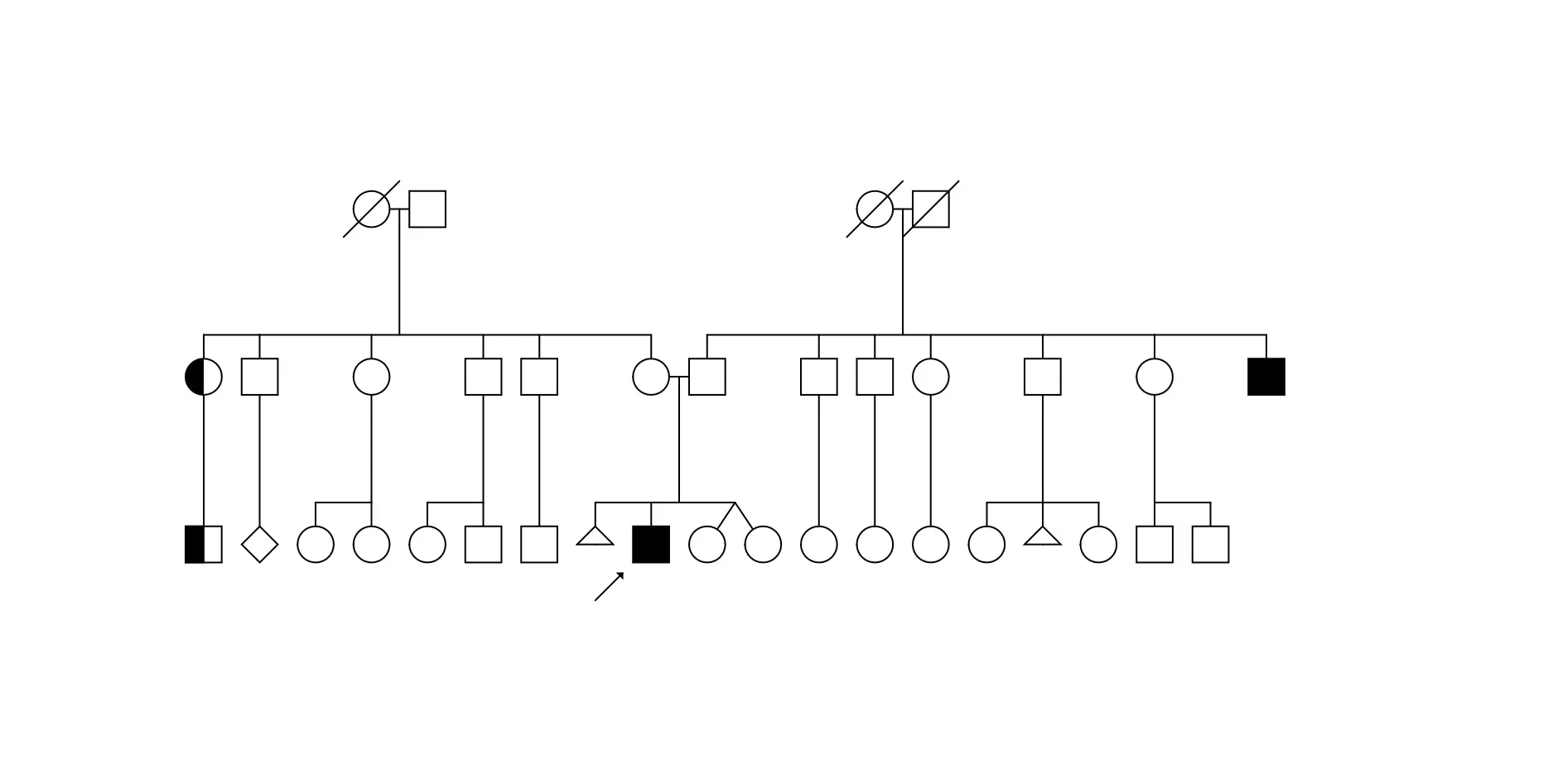
The Ripolas Genealogy Tree App lets you draw professional-grade pedigree charts and genealogy family trees directly in your browser — no installation required. It’s used by researchers, students, and even professional geneticists who need to quickly visualize family relationships and inheritance patterns.
Every element — symbols, lines, and annotations — can be edited or moved. You can connect individuals, mark traits, and label relationships precisely on a scalable grid. The app automatically saves your work in the browser, so even if you close the page, your genealogy tree is still there when you return.
Save, Export, and Edit
You can save your genealogy trees as:
- Editable format (JSON) – for restoring or sharing complete trees.
- PNG image – for inserting into reports or presentations.
The export system ensures you can easily archive, reuse, or publish your pedigree charts in whatever way suits your workflow best.
How to Use the Genealogy Tree App
The Ripolas Genealogy Tree App is intuitive and runs directly in your browser, letting you start drawing professional pedigree and genealogy trees immediately. Here’s how to use it:
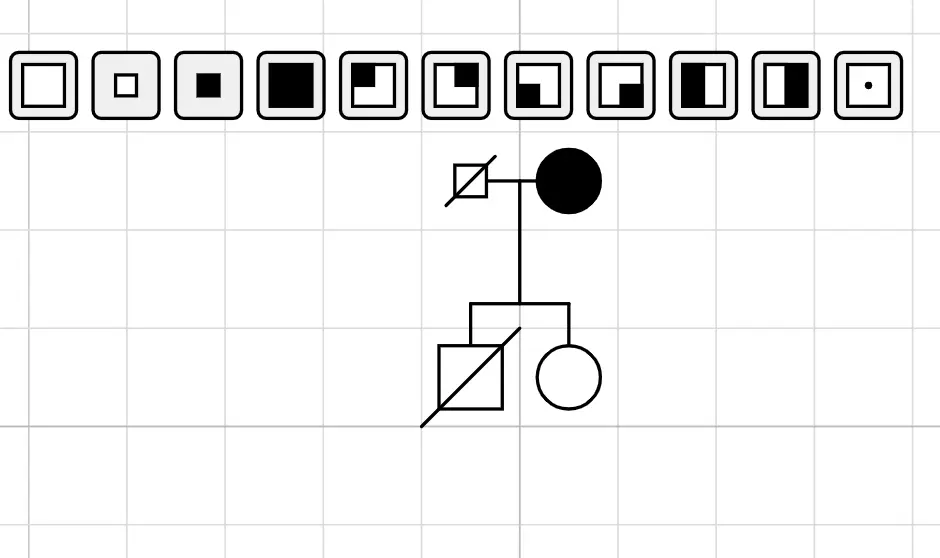
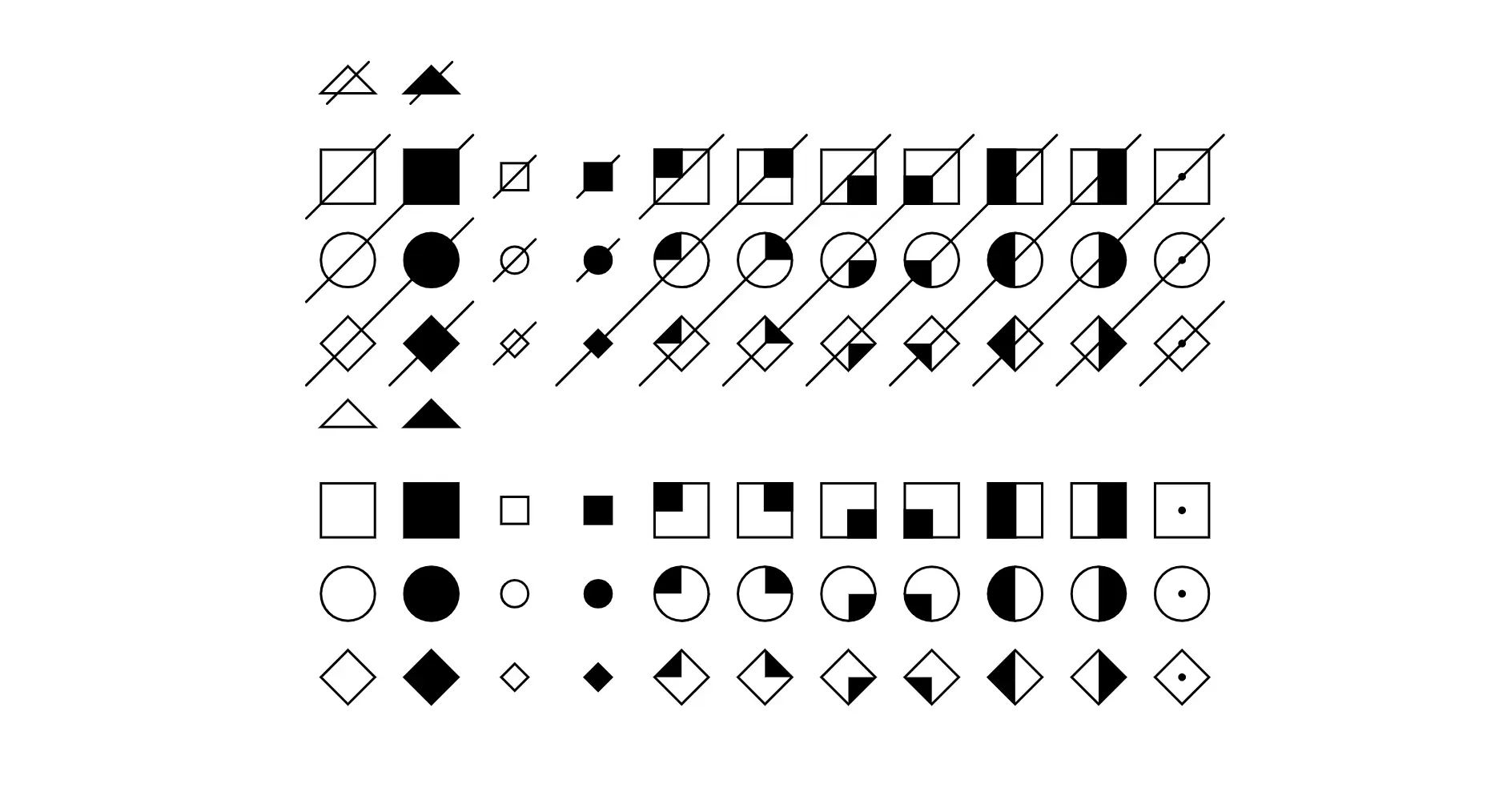
- Add or Change Individuals: Left-click on the grid to place a symbol representing a family member. Clicking again on the same cell will override the existing symbol with a new variation.
- Connect Family Members: Right-click and drag to draw lines linking parents, children, or partners.
- Label Individuals: Press t to create a text box and enter names, traits, or notes.
- Mark Traits or Cross a Person: Press c while hovering a symbol to mark a cross (for example, deceased or a specific trait).
- Pan and Zoom: Use the mouse wheel to zoom in/out and drag to move around the grid for precise placement.
- Undo or Delete: Press z to undo changes, d to delete a symbol or line.
- Autosave: All work is automatically saved in your browser. Close and reopen the page without losing progress.
- Export: Export as PNG for images or JSON to save an editable version for later editing.
Using these tools, you can build professional pedigree charts and genealogy family trees efficiently — whether for personal use, academic research, or professional genetic analysis.
Interface Previews